
Put your homelab on the public Internet.
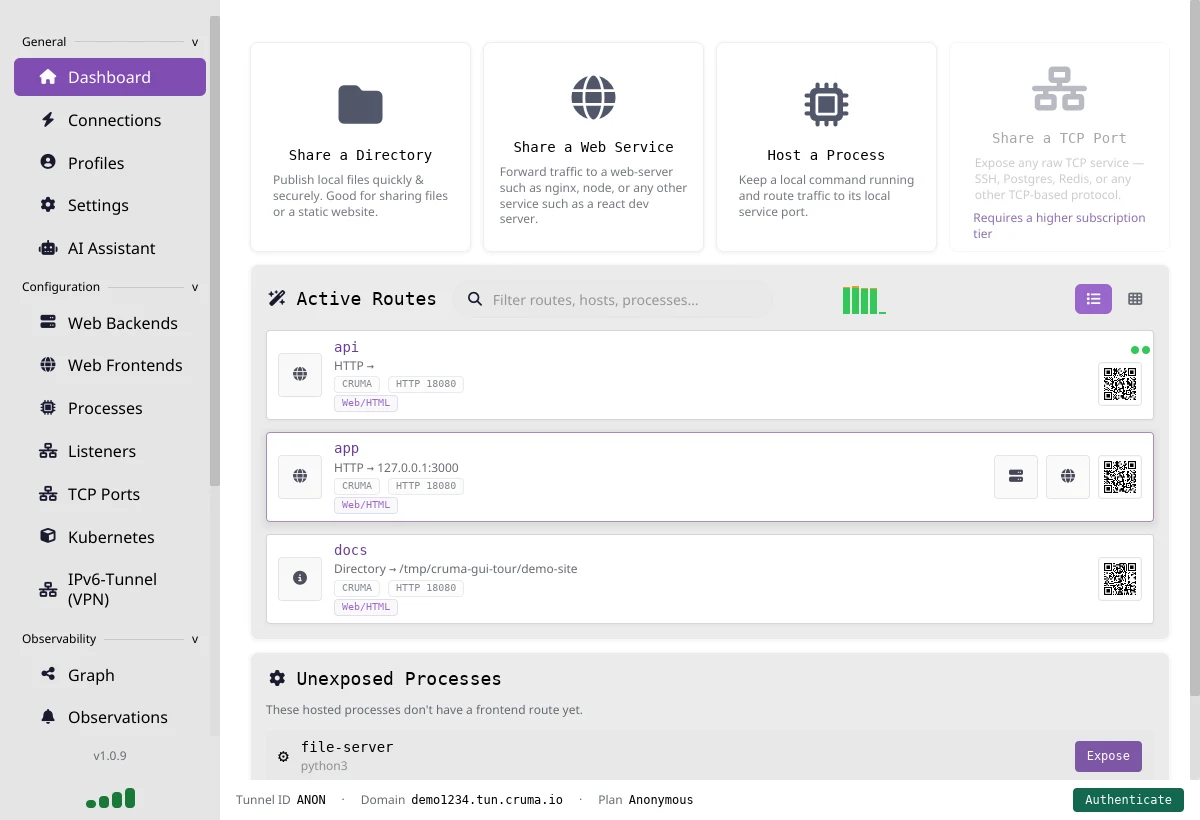
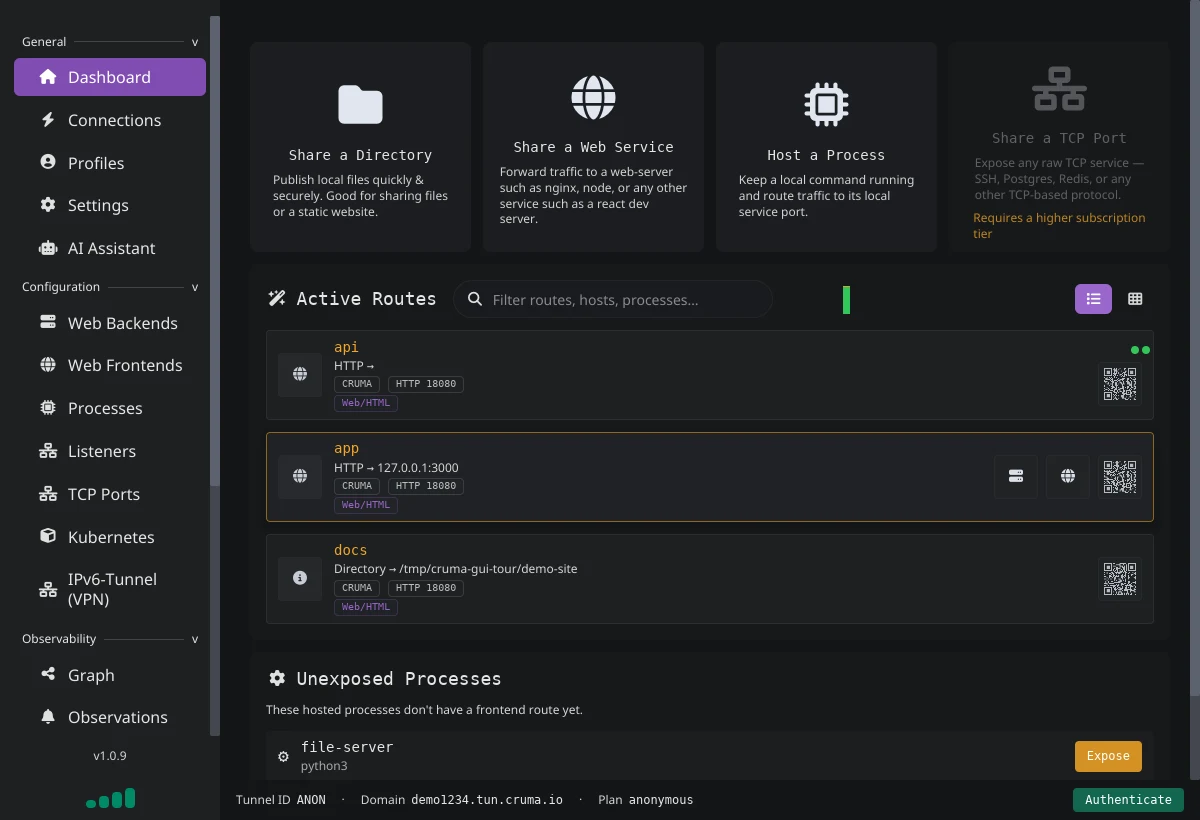
Cruma gives anything running on your machine a public HTTPS URL, from a one-line CLI tunnel to a desktop app with request inspection. The agent is also a full local web server and reverse proxy, free for personal use.
Free · no account needed · works behind CGNAT and firewalls · other platforms
https://random-id.tun.cruma.io https://random-id.tun.cruma.io - End-to-end TLS on your own domain
- Request logs stay on your machine
- No monthly traffic cap
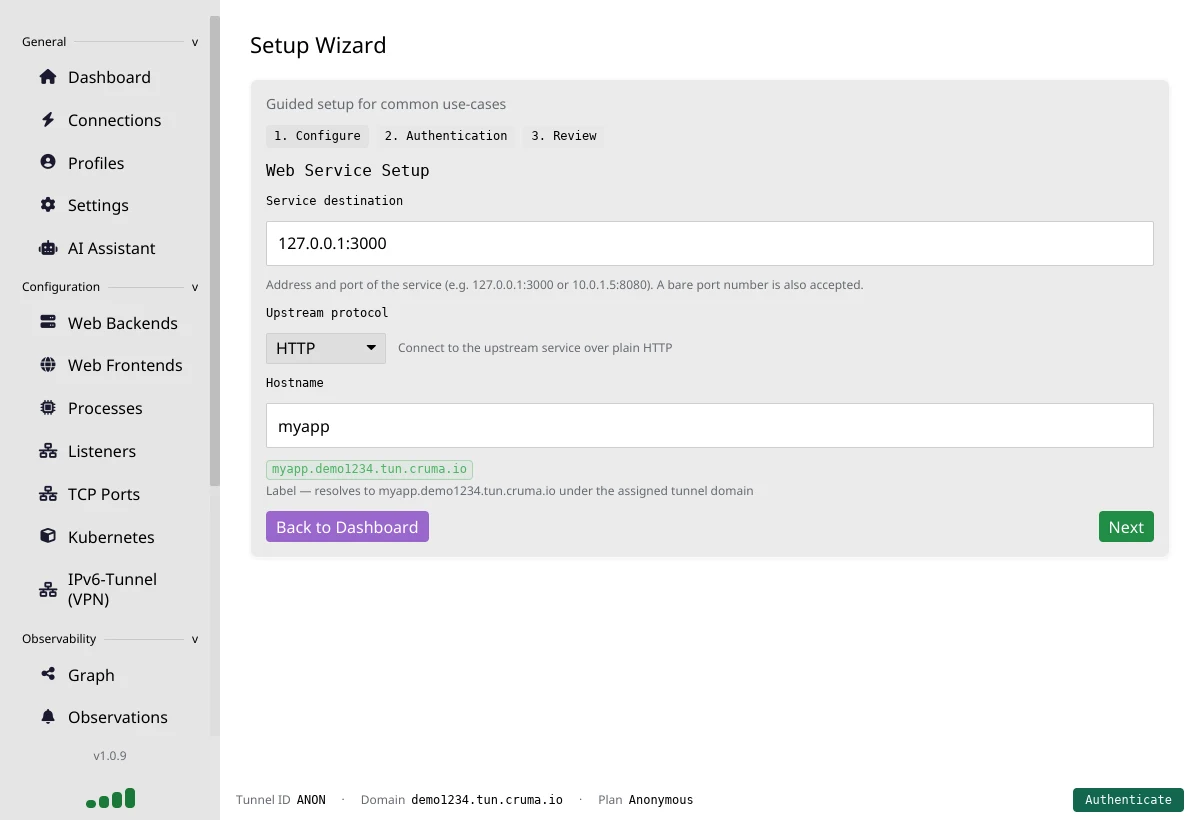
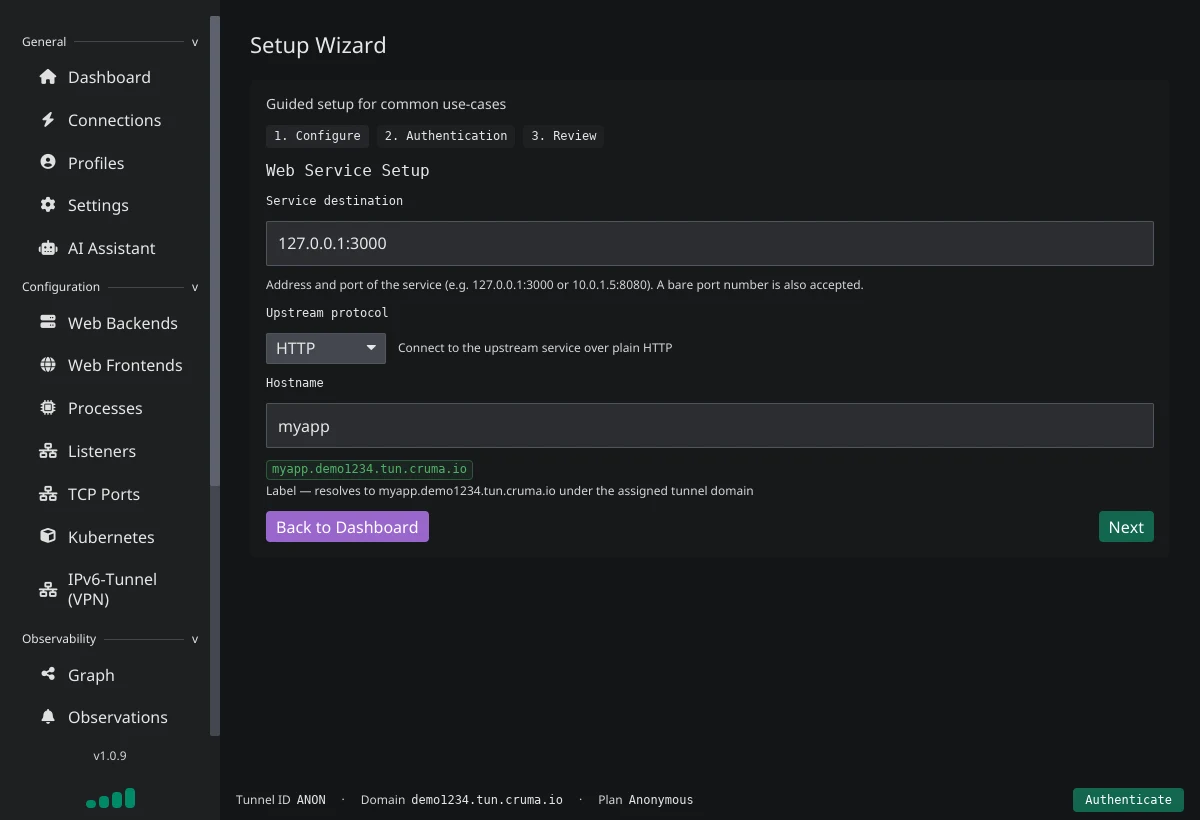
Running in a minute.
No account, no config file, no router settings. Install the agent, point it at your app, and share the link.
Install the agent
Get the app for Windows, macOS or Linux from Downloads, or install the command-line agent on Linux:
curl -fsSL https://files.cruma.io/files/tunnel-agent/install/linux-install.sh | bashPoint it at your app
Anything running locally works: a dev server, an API, a homelab dashboard.
cruma proxy http localhost:3000In the app, pick Share a Web Service instead.
Share the link
You get a public HTTPS address like random-id.tun.cruma.io, ready to send to anyone. No sign-up needed: anonymous tunnels run for up to 3 hours at a time.
Keep it running
Create a free account and a tunnel to lift the time limit, then select Authenticate in the app and paste the tunnel's ID and secret. On Basic, add your own domain with end-to-end encryption.
More than a tunnel.
The same agent that opens your tunnel runs your apps, guards them and shows you every request. All of it runs on your machine.
Hosted processes
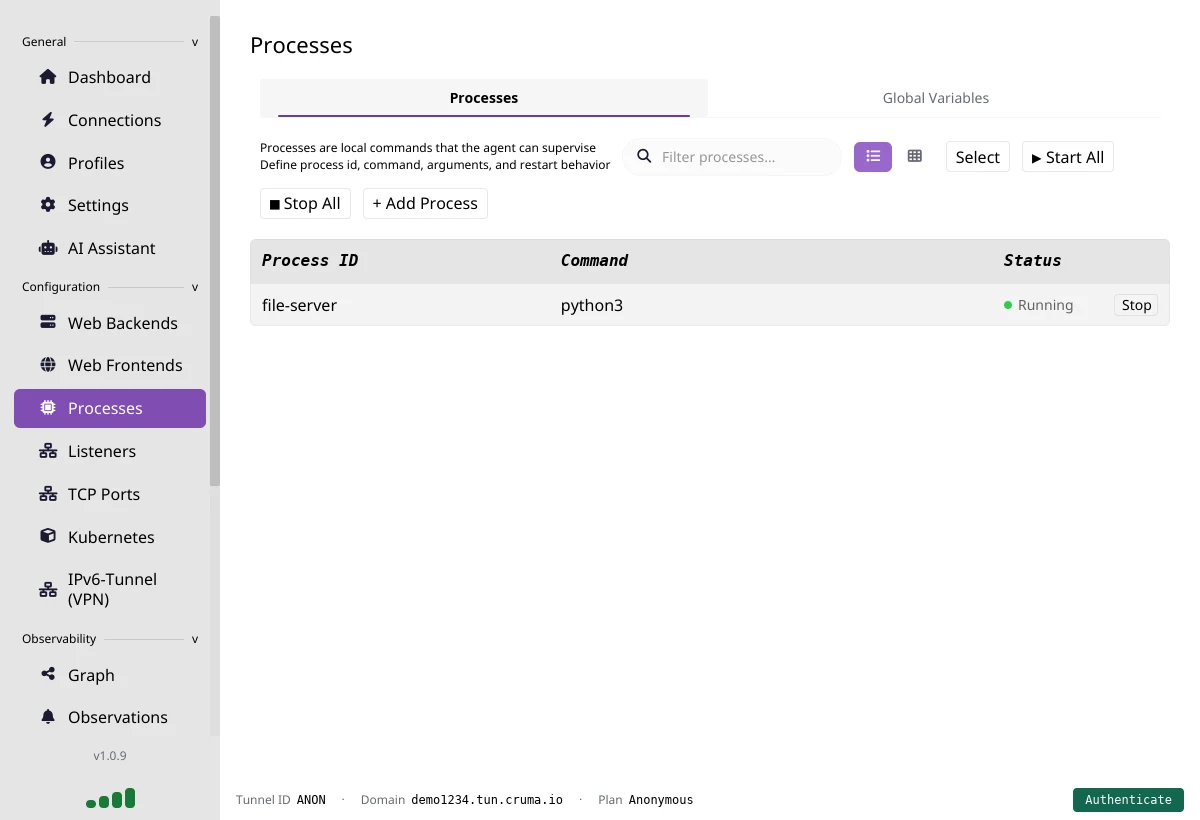
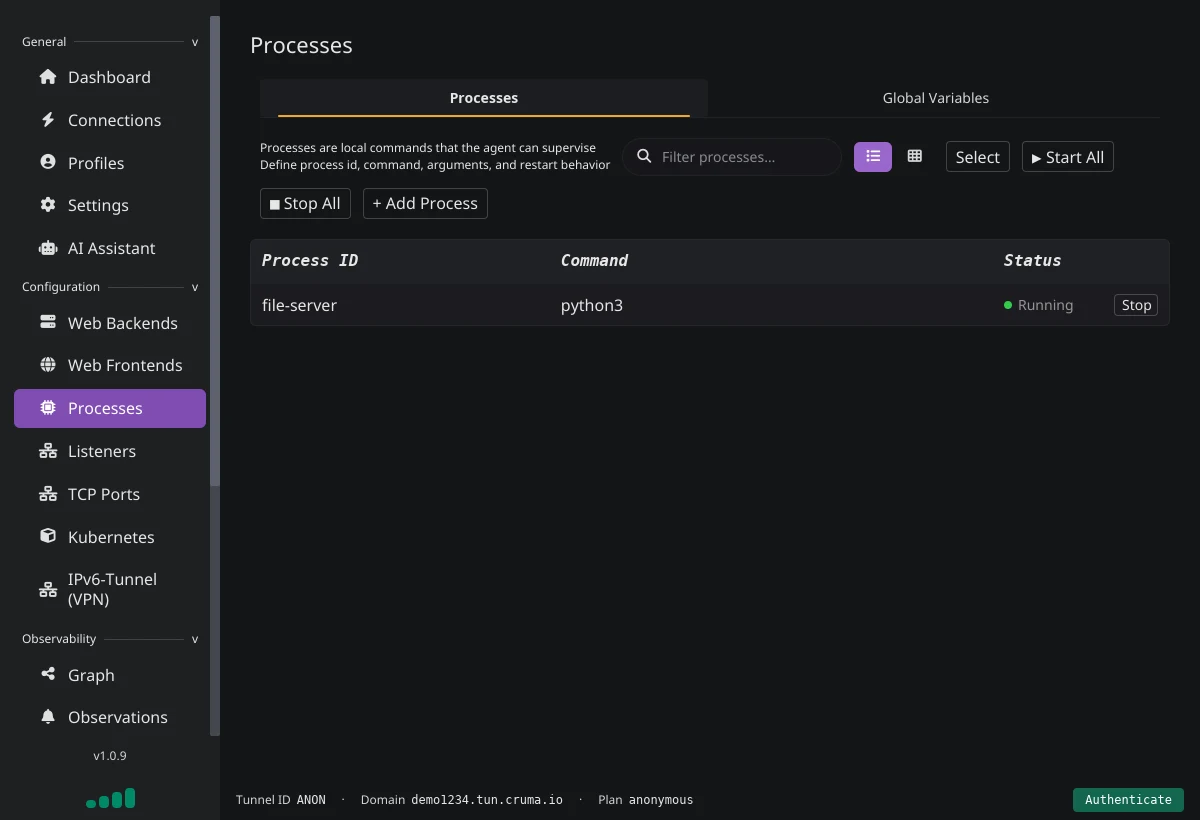
Let the agent start your Node, Python or any other app, restart it if it crashes, and even start it only when the first request arrives.
Firewall and WAF
Allow or drop traffic by IP, hostname or port before any TLS work is done, block bad paths and user agents, and auto-ban abusive clients.
Built-in sign-in
Put a login in front of any site: any OAuth2/OIDC provider, a simple form, JWT validation or API keys. No code changes in your app.
Request inspection
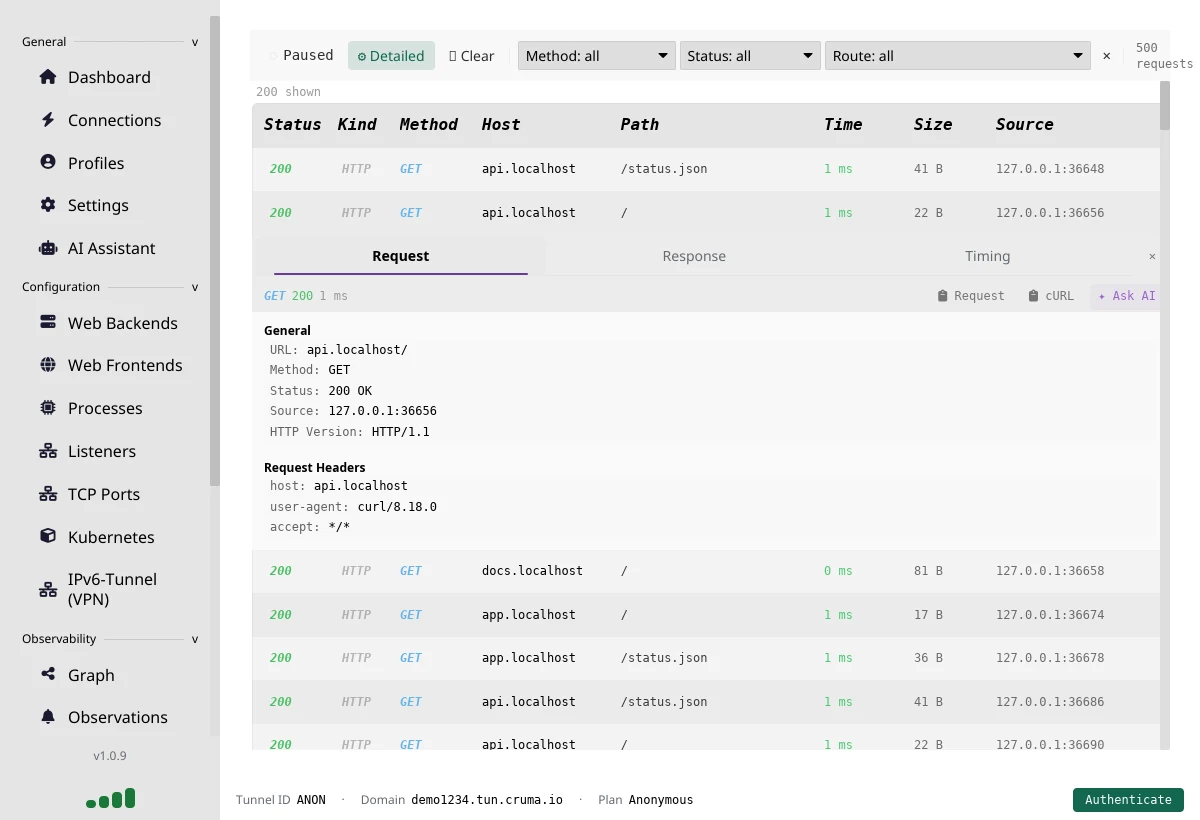
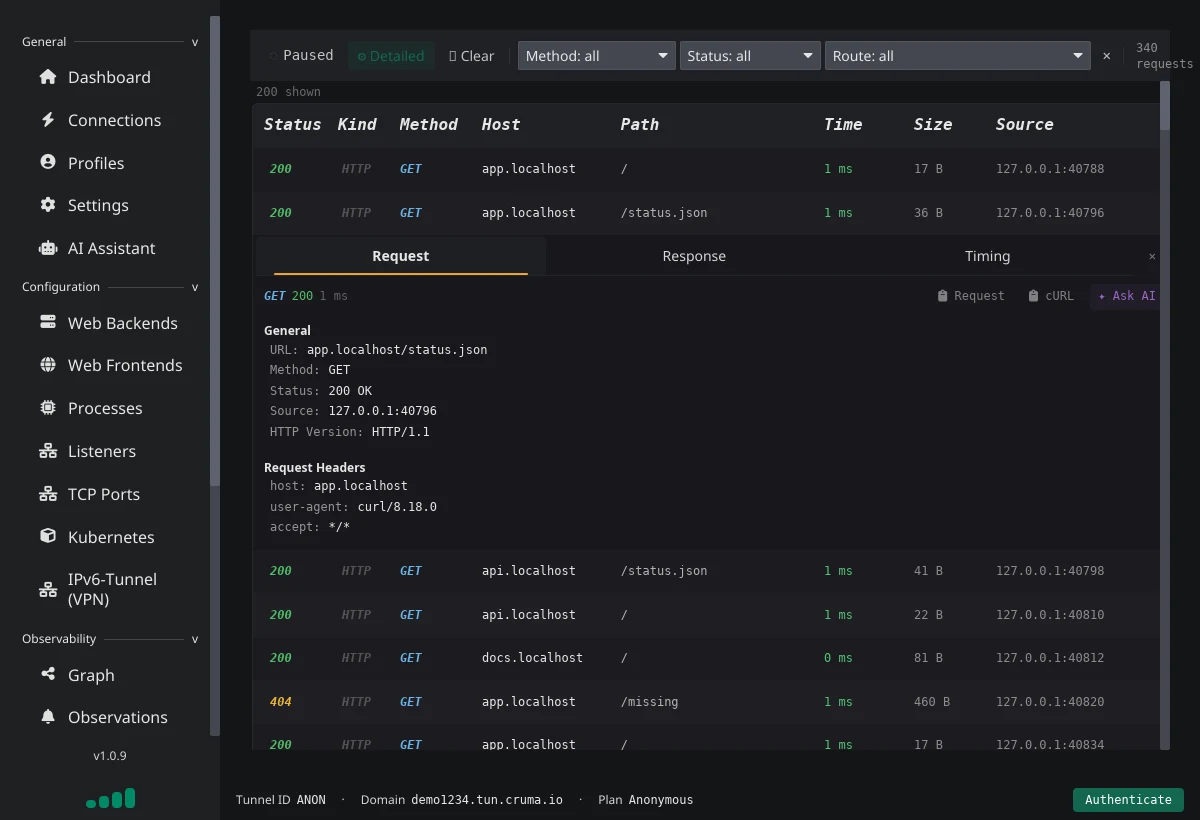
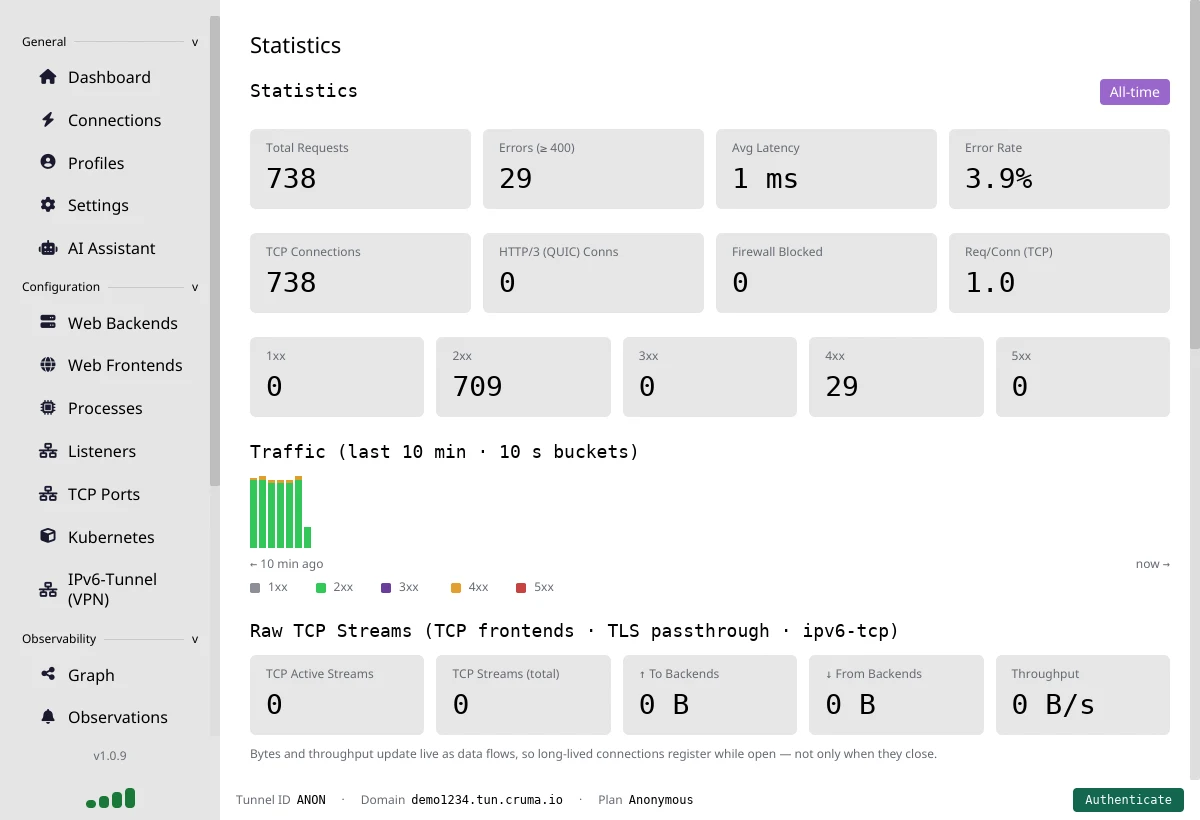
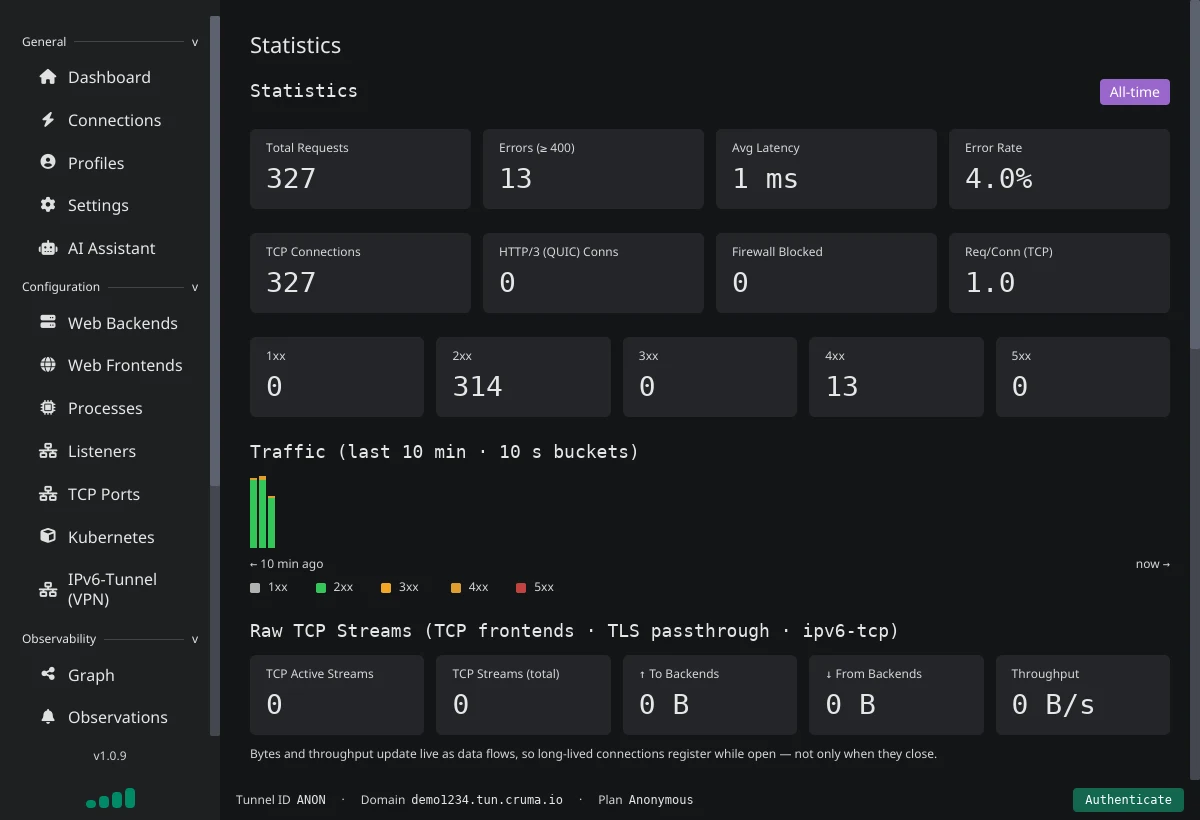
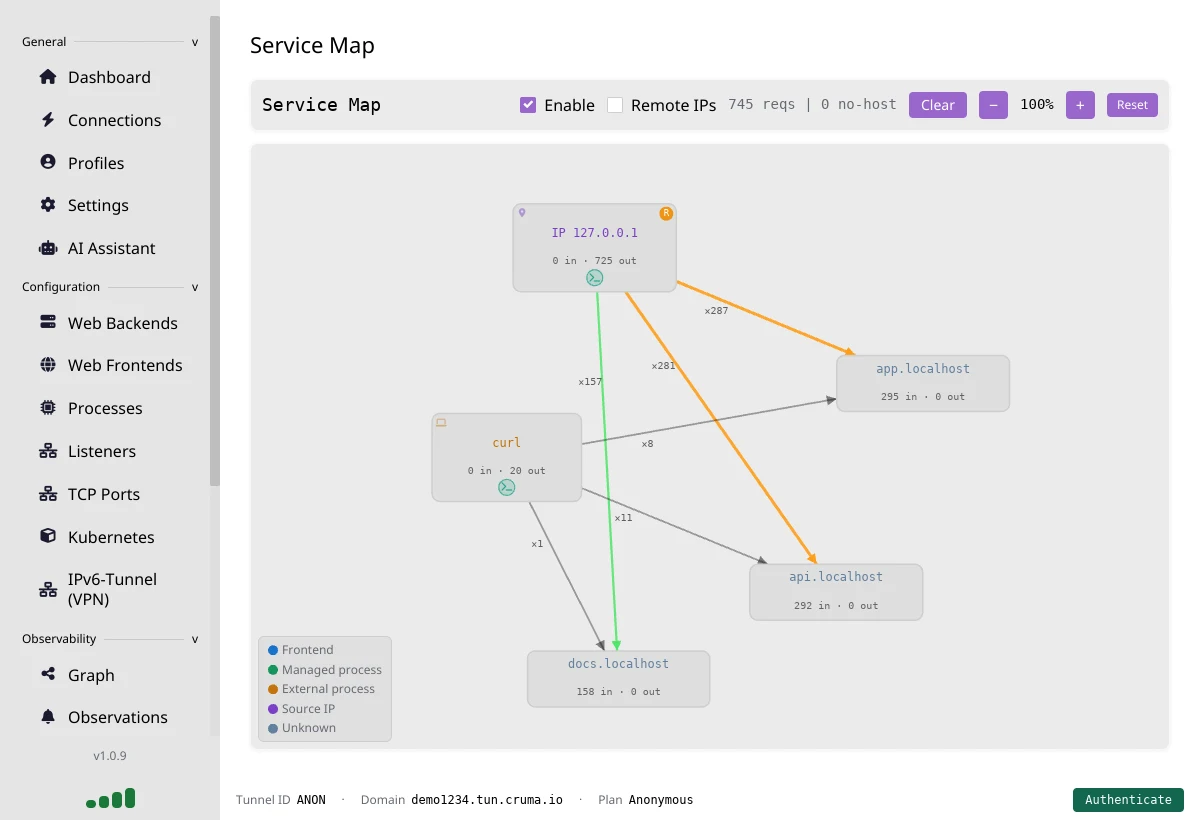
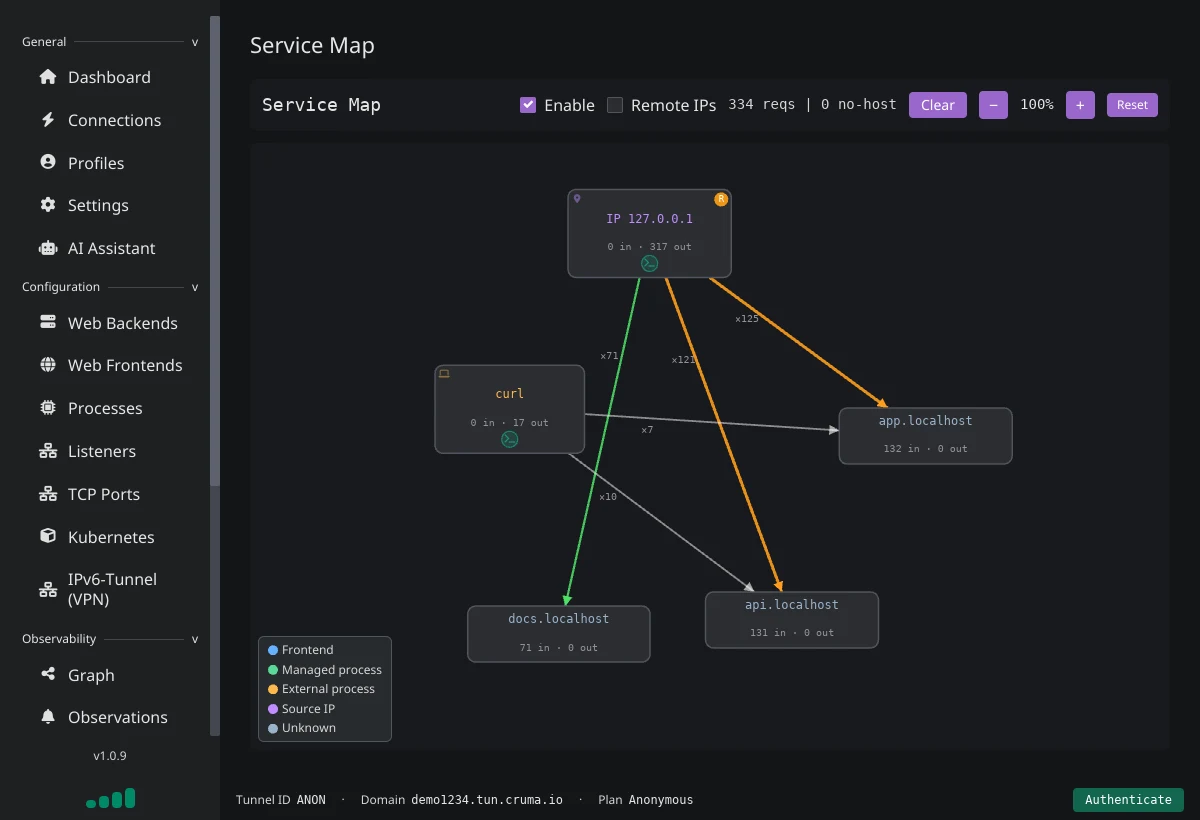
Every request and response, with statistics, logs and a service map, in the desktop app and the TUI. The logs never leave your machine.
Route simulator
Ask which route, backend and firewall rule a request would hit before you send it, then confirm with a live probe.
AI assistant and MCP
Ask "why isn't my site loading?" in plain English, or connect Claude Code and other tools to the agent's MCP server.
Kubernetes targets
Point a route straight at a service in your cluster by kubeconfig context, namespace and port. No ingress controller needed.
Your own public IPv6
On Pro, give your machine a public IPv6 address for any TCP or UDP service, even behind CGNAT or an IPv4-only connection. TCP port forwarding comes with Basic.
Start free. Upgrade when it earns its keep.
Free tunnels for quick testing, paid tunnels for custom domains, stronger privacy, and consistent performance. Free is for individual, non-commercial development use — not company-wide rollout. No monthly cap: traffic is never cut off. Each plan has a full-speed allowance that refills continuously; sustained heavy use beyond it continues at a reduced rate.
Disposable quick tunnels
Best for trying Cruma fast or sharing a localhost app for a short test.
- 3-hour session window
- Quick localhost sharing
- No account required
Persistent dev usage
Repeat use, moderate bandwidth, personal projects without the time cap. Fits 1–3 low-traffic sites.
- No 3-hour session limit
- 50 GB full-speed allowance
- Personal, non-commercial use
The first serious paid tier
For developers, internal tools, client work, and small teams who need custom domains and agent-side TLS.
- Custom domains (CNAME)
- End-to-end encryption
- 100 Mbps per channel
- 750 GB full-speed allowance, no monthly cap
Higher priority under load
Recommended if you serve more than 3 sites on one tunnel. Same capabilities as Basic with priority traffic, plus up to 3 agents for multi-location load balancing.
- Everything in Basic
- No speed cap per channel or stream
- 1.5 TB full-speed allowance, no monthly cap
- Higher priority under load
- Up to 3 agents, load balanced
No monthly cap: traffic is never cut off. A full-speed allowance of 750 GB (Basic) / 1.5 TB (Pro) refills continuously; sustained heavy use beyond it continues at a reduced rate. See Rate limits & fair use for the allowance on every plan and the acceptable-use rules.
How Cruma stacks up.
Cruma is a focused tunnel for developers, small teams, and homelabs. We optimize for fast setup, local-first tooling, and privacy options rather than enterprise policy suites. High-level comparison with Cloudflare Tunnel and ngrok based on publicly documented features, as of October 2026.
| Feature | Cruma | Cloudflare Tunnels | ngrok |
|---|---|---|---|
| Custom domains with E2E encryption | $ Yes (subscribed) — create a CNAME to your tunnel's domain; the agent terminates TLS locally and forwards to your app. Requires a paid subscription. | × No (for E2E) — custom domains supported, but HTTP(S) terminates at Cloudflare's edge, so plaintext is visible at that point. | $ Paid — custom domains on paid plans. |
| HTTP request inspection | ✓ Local UI — inspect in the TUI and desktop app; request logs never leave your machine. | ~ Zero Trust dashboards — routes through Cloudflare's edge, so logs live in their SaaS; no local inspector. | × Remote-only — primary inspector UI runs in their cloud dashboard. |
| Built-in access controls | ✓ IP allow-lists, forms, API keys, JWT & OAuth2 — allow-list source IPs per tunnel, or put form auth, API keys, JWT validation, or sign-in through any OAuth2/OIDC provider in front of any HTTP backend. | ~ Via Zero Trust policies — HTTP access control via Cloudflare Access, managed in their SaaS control plane. | $ Paid — access control and traffic-shaping on paid plans. |
| Serve local directories | ✓ Built-in directory server — serve a local directory straight from the agent, no nginx needed. | × No built-in static server — run your own web server or use Cloudflare Pages. | × No built-in static server — run a local server yourself and point ngrok at it. |
| Local UX & tooling | ✓ TUI + desktop app — desktop app for config and request inspection, plus a terminal TUI. Headless mode available. | ~ CLI + hosted dashboard — configured via CLI and Zero Trust dashboards; no full local web UI. | ~ CLI + remote inspector — request inspector and many options live in the cloud dashboard. |
| Monthly traffic caps | ✓ None — no monthly data quota, and traffic is never cut off. A full-speed allowance (750 GB on Basic, 1.5 TB on Pro) refills continuously; sustained heavy use beyond it continues at a reduced rate. | ✓ None published — no data quota for tunnels, though Cloudflare's terms restrict serving large media files. | $ Metered — each plan includes a data-transfer allowance; extra usage is billed. |
| End-to-end encryption | ✓ Supported (subscribed) — TLS terminates on the agent as soon as a cert is generated, so Cruma only sees encrypted payloads. TLS passthrough also supported. | × Not provider-blind — for standard HTTP(S) tunnels, TLS terminates at Cloudflare's edge, so plaintext is visible there. | ✓ Supported — TLS passthrough and agent-side termination keep keys local. |
| Protocol forwarding | $ TCP & UDP — TCP port forwarding on Basic and Pro; on Pro, the IPv6 tunnel gives your machine its own public IPv6 address for any TCP or UDP traffic. Both work behind IPv4-only or CGNAT connections; connecting clients need IPv6. | ✓ TCP & UDP — cloudflared supports UDP forwarding (Warp/QUIC proxies require Zero Trust setup). | ~ TCP — ngrok's public service currently supports TCP forwarding. |
| Multi-endpoint | ✓ Yes — serve any number of endpoints using different hostnames. | ✓ Yes — serve any number of endpoints using different hostnames. | $ Paid — multiple endpoints on paid plans only. |
| Account-free quick tunnels | ✓ Yes — anonymous mode for quick tunnels without an account. Aggressively rate-limited for fair usage. | ✓ Yes — supported via "Quick Tunnels" at trycloudflare.com. Aggressively rate-limited; relaxed with a free account. | × No — requires an account and auth token. |
| Agent uplink protocols | ✓ QUIC + HTTP/2 — agents keep TLS-encrypted QUIC and HTTP/2 sessions for lower latency and resilience. | ✓ QUIC + HTTP/2 — cloudflared can use QUIC uplinks and HTTP/2 over TLS in supported configs. | ~ HTTP/2 — speaks HTTP/2 to its control plane; no public QUIC uplink. |
Pick your platform. Install the agent.
The latest tunnel agent is a single binary. Use our installer scripts or grab raw artifacts.
Windows agent
Download the agent
Get Cruma from the Microsoft Store — installs and keeps the app updated automatically.
Linux agent
Download the AppImage
Download Cruma AppImage — the desktop GUI build for GNU/Linux. Or install the terminal agent via the helper script:
curl -fsSL https://files.cruma.io/files/tunnel-agent/install/linux-install.sh | bashUninstall with the same script:
curl -fsSL https://files.cruma.io/files/tunnel-agent/install/linux-install.sh | bash -s -- --uninstallDebian, RPM, Arch, and Flatpak packaging flows are expanding. Raw artifacts.
macOS agent
Download the app
Download cruma.dmg. Or install via Homebrew:
brew install --cask umbra-yurei/brew/crumaQuestions, answered.
Do I need an account?
No. Download the agent and run it, and you get a public HTTPS address straight away. Anonymous tunnels last up to 3 hours per session, with up to 1 GB of traffic and 1 million requests; after that, visitors see a notice page until you reconnect. A free account removes the time limit.
Is the free plan enough?
For personal, non-commercial projects, usually yes: no session limit and enough speed for a few low-traffic sites. Paid plans add custom domains, end-to-end encryption, TCP ports and more speed. See Rate limits for the details.
Can Cruma see my traffic?
On Basic and Pro, no: the agent gets its own certificate and TLS ends on your machine, so Cruma only relays encrypted traffic. On anonymous and free tunnels, TLS ends at Cruma's edge. Request logs stay on your machine on every plan. See Security.
Does it work behind CGNAT or a strict firewall?
Yes. The agent makes an outgoing connection to Cruma, so there are no ports to open on your router and no public IP needed.
Which platforms are supported?
Windows (from the Microsoft Store), macOS (an app download or Homebrew) and Linux (an AppImage or an install script for the command-line agent). See Downloads.
Can I use my own domain?
Yes, on Basic and Pro. Point a CNAME at your tunnel and the agent gets a certificate automatically. See Custom domains, or host the domain on Cruma DNS.
Can I share SSH, game servers or other non-web services?
Yes. Basic and Pro forward TCP ports, and Pro adds an IPv6 tunnel for any TCP or UDP traffic. People connecting to those need IPv6. See TCP ports and the IPv6 tunnel.
One account, more tools.
Tunnels are one part of Cruma. The same account gets you the rest of the platform.
Cruma DNS
Host your domains on Cruma's nameservers, with records that can answer each country differently. Point a record at your tunnel and your custom domain is live, with end-to-end TLS on Basic.
Cruma Pages
Turn a Git repository of Markdown into a fast, searchable website, built and published on every push. This site runs on it.
Promenade
One script tag turns any web page into a shared place: visitors walk the text as stick figures and can chat, talk and see each other.
Catacombs
Run container images and Linux machines, each in its own hardware-isolated micro-VM, with private networking and a public hostname.
Cruma Flow
Build workflows visually or in YAML, bring people in to approve and vote, and run CI/CD pipelines on isolated runners.
What we're building next.
What's under way now that Cruma is live and the core platform is in production.
Agent web UI
Open your agent's dashboard in a browser: traffic stats, logs and connections for agents on a server, NAS or Raspberry Pi with no desktop. Local-only and behind sign-in.
Domain registration
Search for, buy and renew domain names from the Cruma dashboard. A domain bought here is set up on Cruma DNS and ready to point at your tunnel straight away.
UDP port forwarding
Forward a UDP port the way TCP ports work today, without installing the IPv6 tunnel: game servers, WireGuard, DNS and other UDP services on a public address.
Container hosting
Let the agent run your Docker or Podman containers and route traffic to them, with optional tracing through OpenTelemetry backends such as Jaeger, Grafana or Aspire.
Kubernetes ingress
Ship a Cruma Ingress/Gateway controller so cluster services get HTTPS endpoints exposed through cruma.io automatically.
Get started
Put your homelab online in a minute.
Free to start, no account needed. Upgrade when you want your own domain.